
The Task.WhenAll Trap — and How to Actually Fix It
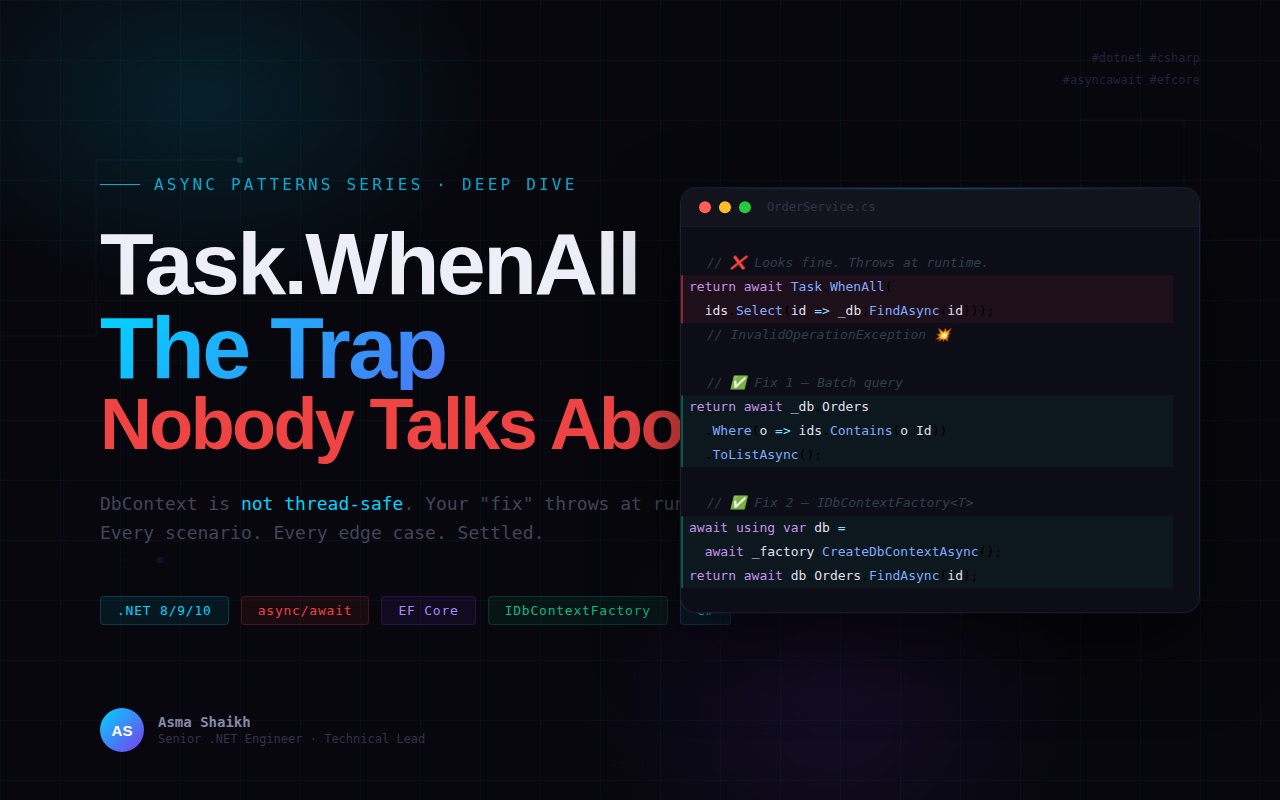
Everyone knows
awaitin a loop is bad. But the "fix" most developers reach for —Task.WhenAll— hides a dangerous trap that will throw at runtime. Here's the complete picture, with every scenario covered.
Table of Contents
- The Problem — await in a Loop
- The Naive Fix — Why Task.WhenAll Breaks
- DbContext Internals — Why It's Not Thread-Safe
- Fix 1 — Batch Query (Almost Always Right)
- Fix 2 — IDbContextFactory<T> for True Parallelism
- Fix 3 — Task.WhenAll for Independent Systems
- Edge Cases — Cancellation, Exceptions, ConfigureAwait
- Performance Benchmarks
- The Decision Framework
01 · The Problem — await in a Loop {#the-problem}
You need to fetch multiple orders by ID. The most natural thing a developer reaches for looks like this:
// Looks innocent. Is not.
public async Task<List<Order>> GetOrdersAsync(IEnumerable<int> orderIds)
{
    var results = new List<Order>();

    foreach (var id in orderIds)// 100 IDs = 100 DB round trips
    {
        var order = await _db.Orders.FindAsync(id);
        results.Add(order!);
    }

    return results;
}
Each await suspends execution, waits for the DB to respond, then moves to the next iteration. With 100 order IDs, that's 100 sequential database round trips.
⚠️ The Real Cost If each DB call takes 5ms, 100 sequential awaits = 500ms minimum. That's before network jitter, query planning, or connection pool contention. At scale this degrades to seconds.
02 · The Naive Fix — Why Task.WhenAll Breaks {#naive-fix}
The natural instinct when you see sequential awaits is to parallelise them with Task.WhenAll. It looks clean, it compiles, and it will throw at runtime.
// Compiles perfectly. Throws at runtime.
public async Task<Order[]> GetOrdersAsync(IEnumerable<int> orderIds)
{
    return await Task.WhenAll(orderIds.Select(id => _db.Orders.FindAsync(id).AsTask()));

    // InvalidOperationException:
    // A second operation was started on this context instance
    // before a previous operation completed.
}
☠️ Exact Runtime Exception
InvalidOperationException: "A second operation was started on this context instance before a previous operation completed. This is usually caused by different threads using the same instance of DbContext."
The reason this fails is fundamental to how DbContext was designed. Understanding why requires a quick look at its internals.
03 · DbContext Internals — Why It's Not Thread-Safe {#dbcontext-internals}
DbContext maintains significant mutable state internally. Every operation reads and writes to this shared state — which is why concurrent access causes corruption or exceptions.
| Internal Component | What It Does | Thread-Safe? |
|---|---|---|
| Change Tracker | Tracks every entity state (Added, Modified, Deleted) | ❌ No |
| DbConnection | Single underlying DB connection | ❌ No |
| Query Cache | Compiled query cache, read on every operation | ❌ No |
| OperationState | Tracks whether an async operation is in progress | ❌ No |
EF Core's design decision was deliberate — DbContext is designed to be short-lived, scoped to a single unit of work. In ASP.NET Core, DI registers it as Scoped — one instance per HTTP request, never shared across threads.
💡 Design Principle The EF Core team made DbContext not thread-safe by design to keep it lightweight and fast. Thread safety would require locking on every property access — eliminating the performance advantage of in-memory change tracking.
The Async Misconception
A common misconception: "But I'm using async/await — it should be safe."
Async does not mean parallel. A single await suspends one operation and resumes it later on a thread pool thread. Task.WhenAll schedules multiple operations to run concurrently — and all of them share the same DbContext instance injected via DI.
// What you think happens:          // What actually happens:
Op1: await FindAsync(1) → wait      Op1 starts on shared _db
Op2: await FindAsync(2) → wait      Op2 starts on SAME _db
Both waiting independently          _db detects concurrent ops
on their own connection             throws immediately
04 · Fix 1 — Batch Query (Almost Always the Right Answer) {#fix-1}
Before reaching for any parallelism tool, ask: do I actually need multiple calls?
When you're fetching from the same table by a list of IDs, the answer is almost always no.
// One query. One round trip. Zero thread-safety issues. ✅
public async Task<List<Order>> GetOrdersAsync(IEnumerable<int> orderIds)
{
    return await _db.Orders
        .Where(o => orderIds.Contains(o.Id))
        .AsNoTracking()// read-only — skip change tracking
        .ToListAsync();
}
EF Core translates .Contains() directly to a SQL WHERE Id IN (1, 2, 3, ...) clause. One round trip regardless of how many IDs.
✅ Generated SQL
SELECT * FROM Orders WHERE Id IN (1, 2, 3, 4, 5)— single query, optimised execution plan, uses indexes efficiently.
When Contains() Has Limits
For very large ID sets (thousands), SQL IN clauses can degrade. In those cases, chunk your IDs:
// For very large ID sets — chunk into batches of 1000
var chunks = orderIds.Chunk(1000);     // .NET 6+ built-in
var results = new List<Order>();

foreach (var chunk in chunks)
{
    var batch = await _db.Orders
        .Where(o => chunk.Contains(o.Id))
        .AsNoTracking()
        .ToListAsync();

    results.AddRange(batch);
}
// Sequential batches — manageable query size, no thread issues
05 · Fix 2 — IDbContextFactory<T> for True DB Parallelism {#fix-2}
Sometimes you genuinely need parallel DB operations — different tables, complex aggregations, or operations that can't be batched. The correct solution is one DbContext per parallel task using IDbContextFactory<T>.
Built into EF Core since .NET 5. Officially recommended for multi-threaded scenarios.
Registration
// Register factory in Program.cs
builder.Services.AddDbContextFactory<AppDbContext>(options =>
    options.UseSqlServer(connectionString));

// Or if you need both scoped context AND factory:
builder.Services.AddDbContextFactory<AppDbContext>(options =>
    options.UseSqlServer(connectionString),
    ServiceLifetime.Scoped);   // Scoped factory → transient contexts
Usage — Parallel DB Operations
public class OrderService
{
    private readonly IDbContextFactory<AppDbContext> _factory;

    public async Task<Order[]> GetOrdersParallelAsync(
        IEnumerable<int> orderIds,
        CancellationToken ct = default)
    {
        return await Task.WhenAll(
            orderIds.Select(async id =>
            {
                // Fresh context per task — no shared state ✅
                await using var db =
                    await _factory.CreateDbContextAsync(ct);

                return await db.Orders
                    .AsNoTracking()
                    .FirstOrDefaultAsync(o => o.Id == id, ct);
            }));
    }
}
The Trade-offs You Must Know
⚡ Know the Trade-offs Before Using This
Extra connections: Each parallel task opens its own DB connection. 20 parallel tasks = 20 simultaneous connections.
Connection pool pressure: Default pool size is 100. Heavy parallelism can exhaust it — causing tasks to queue for a connection and negating the parallel benefit.
Overhead on small queries: Context creation + connection open + query execute + dispose has fixed overhead. For queries taking <5ms, this overhead may exceed the parallelism benefit.
Rule: Only use this when queries are genuinely expensive and independent. Batch query is almost always faster for same-table ID lookups.
Best Use Case — Parallel Aggregations Across Different Tables
// Fetch different aggregations in parallel — each with its own context ✅
var (orders, revenue, customers) = await (
    GetPendingOrderCountAsync(ct),
    GetMonthlyRevenueAsync(ct),
    GetNewCustomerCountAsync(ct)
).WhenAll();

// Each method creates its own DbContext via _factory
// Three independent queries — genuinely parallel ✅
06 · Fix 3 — Task.WhenAll for Independent External Systems {#fix-3}
When your parallel operations call different external services — separate APIs, microservices, or any non-shared resources — Task.WhenAll is exactly the right tool with no caveats.
// Three independent services — Task.WhenAll is perfect ✅
public async Task<DashboardViewModel> GetDashboardAsync(
    Guid userId, CancellationToken ct)
{
    var profileTask       = _userService.GetProfileAsync(userId, ct);
    var permissionsTask   = _authService.GetPermissionsAsync(userId, ct);
    var notificationsTask = _notifService.GetUnreadAsync(userId, ct);

    await Task.WhenAll(profileTask, permissionsTask, notificationsTask);

    return new DashboardViewModel
    {
        Profile       = profileTask.Result,       // .Result safe — already awaited
        Permissions   = permissionsTask.Result,
        Notifications = notificationsTask.Result
    };
}
✅ Why This Is Safe Each service has its own HTTP client, connection, and state. There is no shared resource between them. Running them in parallel reduces total latency from (A + B + C)ms to max(A, B, C)ms.
07 · Edge Cases — The Details That Matter {#edge-cases}
Exception Handling with Task.WhenAll
Task.WhenAll waits for all tasks to complete before throwing — even if one fails early. All exceptions are collected. If you only await the result, you only see the first exception.
// Captures ALL exceptions, not just the first
var allTasks = tasks.ToList();
try
{
    await Task.WhenAll(allTasks);
}
catch
{
    // Inspect ALL failed tasks
    var exceptions = allTasks
        .Where(t => t.IsFaulted)
        .Select(t => t.Exception!)
        .ToList();

    _logger.LogError("{Count} tasks failed", exceptions.Count);
    throw;
}
Cancellation — Always Pass the Token
// Task.WhenAll doesn't cancel remaining tasks when one is cancelled.
// Use CancellationToken in each task for cooperative cancellation.
var results = await Task.WhenAll(
    orderIds.Select(async id =>
    {
        ct.ThrowIfCancellationRequested(); // check before each task ✅
        await using var db = await _factory.CreateDbContextAsync(ct);
        return await db.Orders.FindAsync(new object[] { id }, ct);
    }));
ConfigureAwait — Does It Matter Here?
In library/service code, use .ConfigureAwait(false) to avoid capturing the synchronisation context. In ASP.NET Core the synchronisation context is null by default — so it's less critical, but still good practice.
// In service/library code — avoid context capture
var orders = await _db.Orders
    .Where(o => orderIds.Contains(o.Id))
    .AsNoTracking()
    .ToListAsync()
    .ConfigureAwait(false); // good practice in service layer ✅

// In controllers or Blazor — omit ConfigureAwait(false)
// as you may need the context to update UI state
Throttling — Protect the Connection Pool
// Limit concurrent DB operations to avoid pool exhaustion
var semaphore = new SemaphoreSlim(10); // max 10 concurrent

var results = await Task.WhenAll(
    orderIds.Select(async id =>
    {
        await semaphore.WaitAsync(ct);
        try
        {
            await using var db = await _factory.CreateDbContextAsync(ct);
            return await db.Orders.FindAsync(new object[] { id }, ct);
        }
        finally { semaphore.Release(); }
    }));
08 · Performance Benchmarks {#benchmarks}
Numbers for fetching 50 orders by ID on a local SQL Server instance:
| Approach | Avg Time | DB Round Trips | Connections | Verdict |
|---|---|---|---|---|
| await in a loop | ~320ms | 50 | 1 | ❌ Never |
| Task.WhenAll (shared context) | 💥 Exception | — | 1 | ❌ Broken |
| Batch query (.Contains) | ~8ms | 1 | 1 | ✅ Best |
| IDbContextFactory + WhenAll | ~35ms | 50 | 50 | ⚠️ Context-dependent |
| Independent external APIs | max(A,B,C) | N/A | N/A | ✅ Correct |
💡 Numbers are illustrative on a local dev machine. Always benchmark in your own environment before optimising.
09 · The Decision Framework {#decision-framework}
Apply this before writing any async loop:
Step 1 — Same DB table, multiple IDs?
→ Batch query with .Contains(). One round trip. You're done.
Step 2 — Different DB tables or aggregations?
→ IDbContextFactory<T> + Task.WhenAll. Fresh context per task. Consider SemaphoreSlim for high concurrency.
Step 3 — Independent external systems?
→ Task.WhenAll directly. No shared state, no caveats.
Step 4 — Operations have dependencies between them? → Sequential awaits are correct. If B depends on A's result, parallelism is semantically wrong.
Step 5 — Very large ID sets (1000+)?
→ .Chunk(1000) + sequential batch queries. Avoid SQL IN clause degradation.
Quick Reference
| Scenario | Solution |
|---|---|
| Same DB · Multiple IDs | .Where().Contains().ToListAsync() |
| Same DB · Parallel aggregations | IDbContextFactory<T> + Task.WhenAll |
| Independent external systems | Task.WhenAll directly |
| Dependent operations | Sequential await |
| Very large ID sets | .Chunk(1000) + batch loop |
| High concurrency + DB | SemaphoreSlim + IDbContextFactory |
Wrapping Up
There is no universal fix for async loops. The right answer depends on:
- What you're calling — same DB, different DB tables, or external services
- Whether state is shared — DbContext is never thread-safe
- Your throughput requirements — sometimes sequential is actually faster The next time someone says "just use Task.WhenAll" — ask them which DbContext they're sharing. 😄
If this helped, follow me on LinkedIn for more .NET architecture deep dives — C#, Azure, distributed systems, and cloud-native patterns.
GitHub: github.com/asmashaikhhere

